Professional filmmaking,
for everyone.
Co-Director is an AI agent built to turn your script into a production-quality film — up to feature length. It automates the whole production while you stay in the director’s chair.
The complete AI
production studio
Shape every shot with precise control over camera, lens, and light, then let Co-Director run the production from script to final cut.
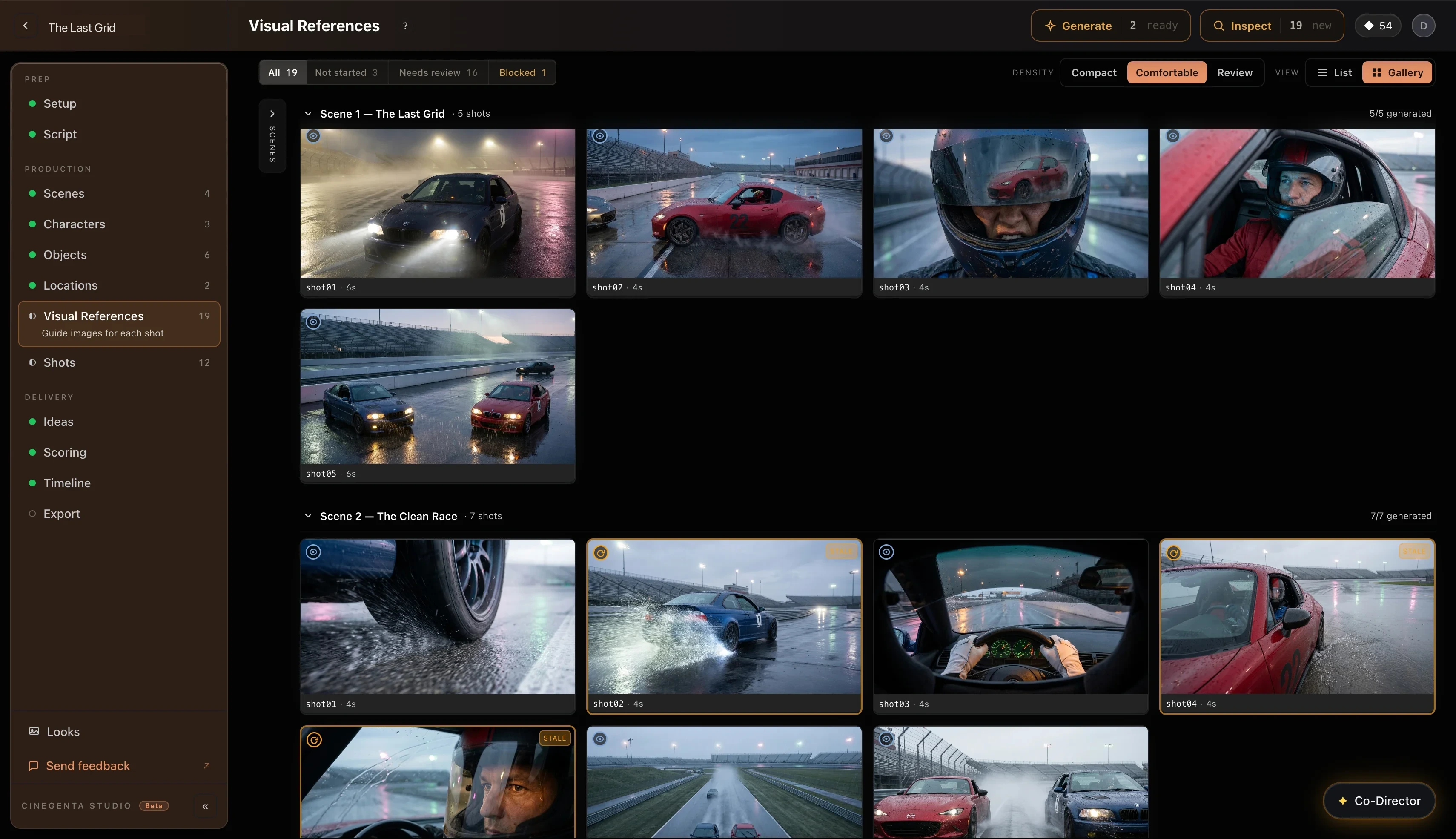
Characters, outfits, and locations stay consistent across every shot.
Co-Director sends each shot to the model that renders it best — Veo, Kling, Seedance — automatically.
Inspects every generated clip for character drift and continuity errors, and flags what needs re-shooting — no manual review.
Multi-shot generation, upscaling, and edits run as one batch — no babysitting.
Your Co-Director is here.
Just tell Co-Director what you want. It plans the film, regenerates what changed, rewrites the script, and pauses for your approval at every step.
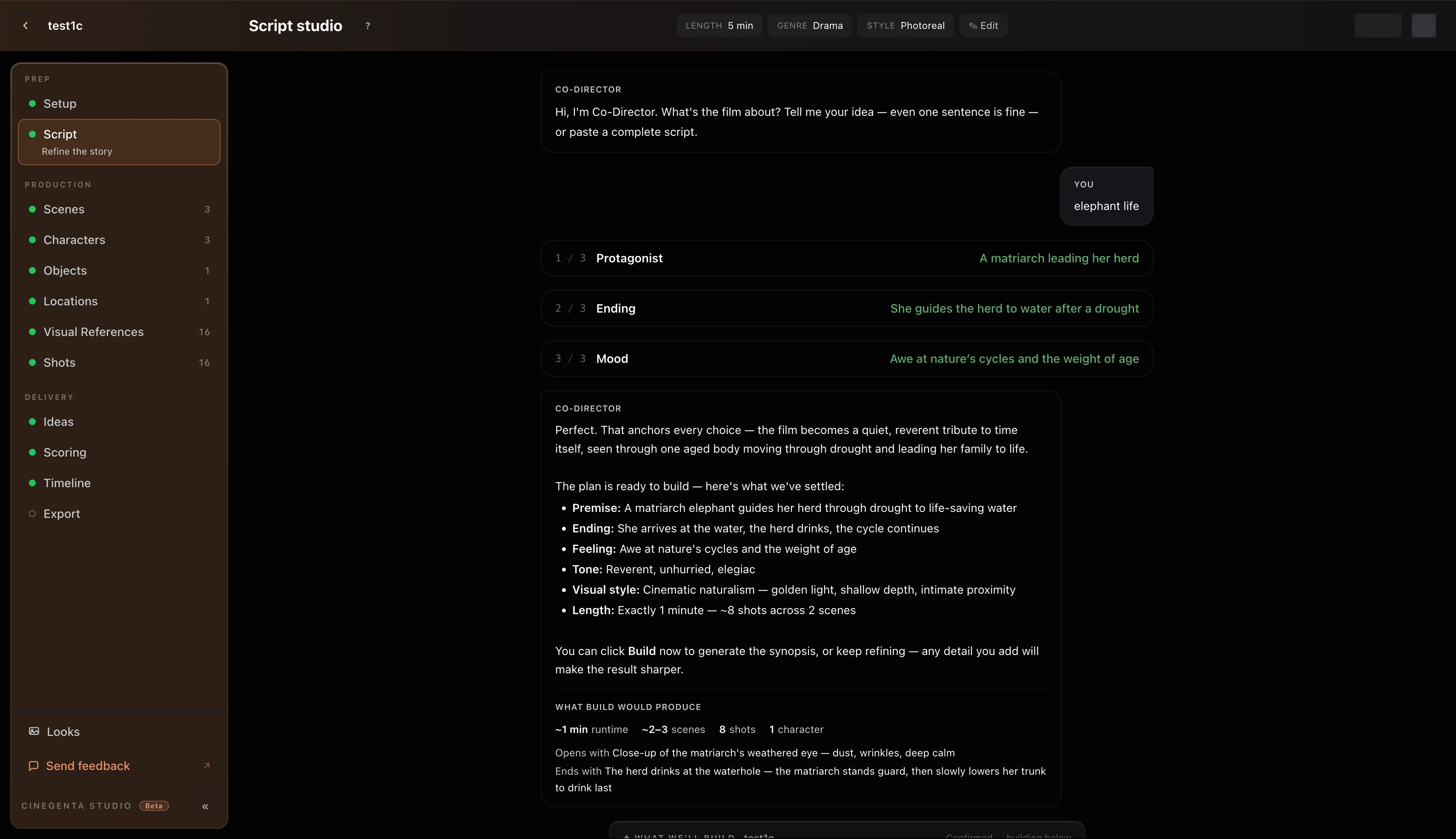
- Plans the whole production
Scenes, cast, shots, and renders — laid out as a plan you can steer at any point.
- Pauses before it spends
Every credit-spending step waits for your approval first. Nothing renders behind your back.
- Keeps the film consistent
Regenerates only what changed and rewrites the script on request — the rest stays locked.
From script to final cut, automatically.
Paste a script and Co-Director runs the whole production: writes the script, generates the assets and references, renders every shot, scores the takes, then edits the final cut. You step in whenever you want.

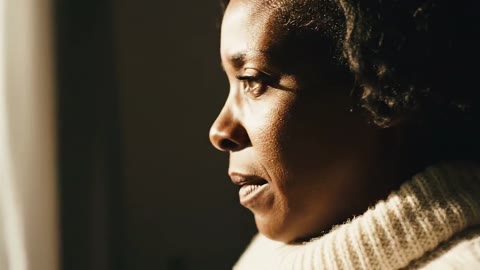
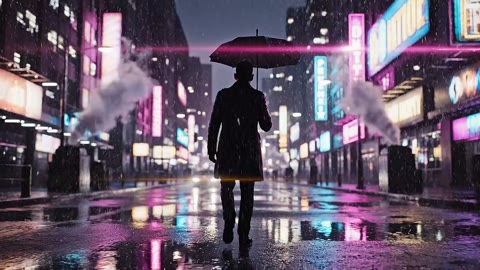



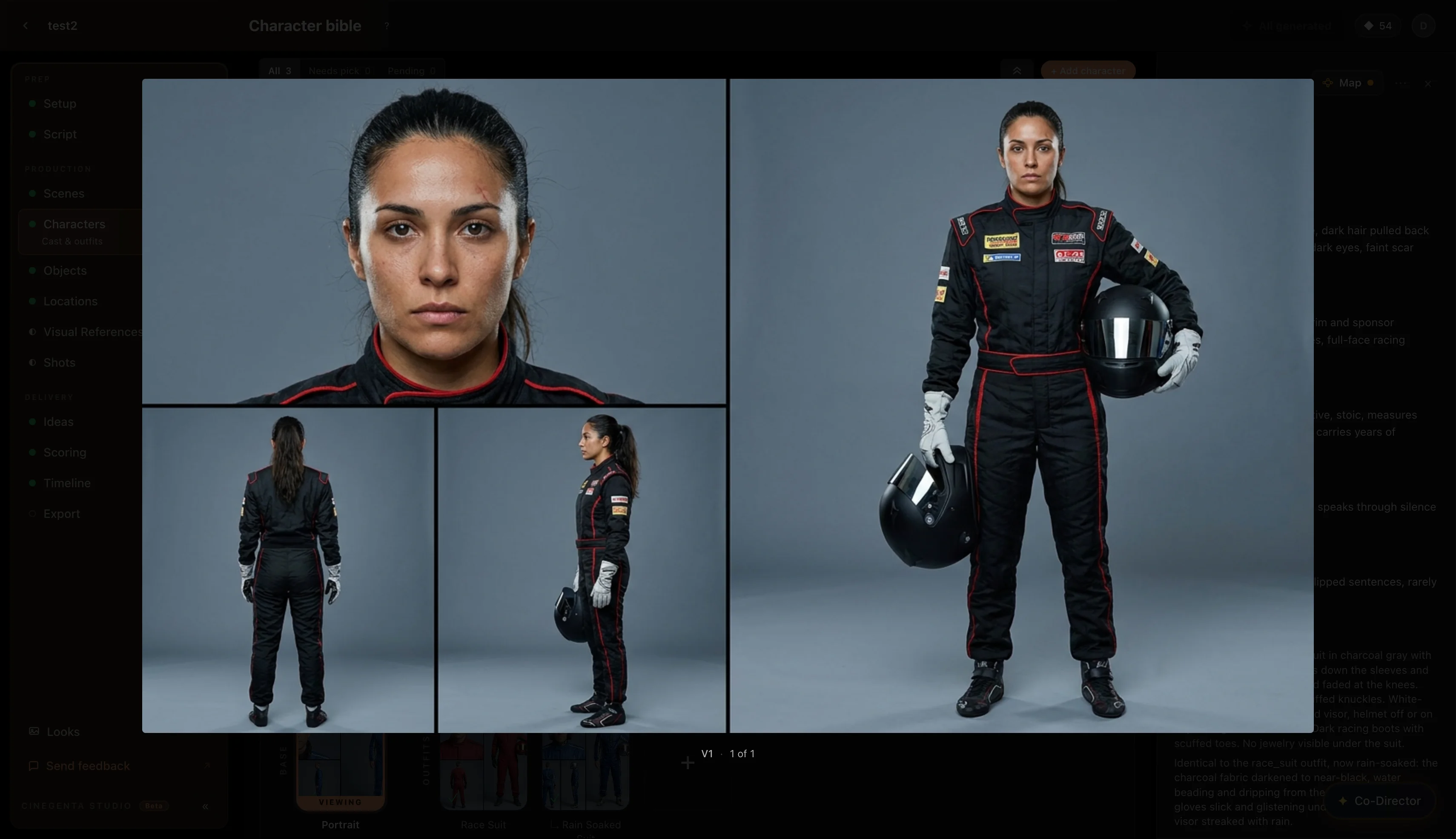
Cast your characters. Build your world.
Lock a character once and they stay themselves across every shot — outfit, voice, and mood travel with them. Build the scene the same way: locations and props are rendered once and reused everywhere, with dependency tracking that flags exactly what goes stale when something changes.
- A locked base portrait anchors every shot
- Outfits and voice travel with each character
- Props & sets rendered once, reused everywhere — stale-tracked
- Full version history for every asset — browse, compare, and refine from any prior generation
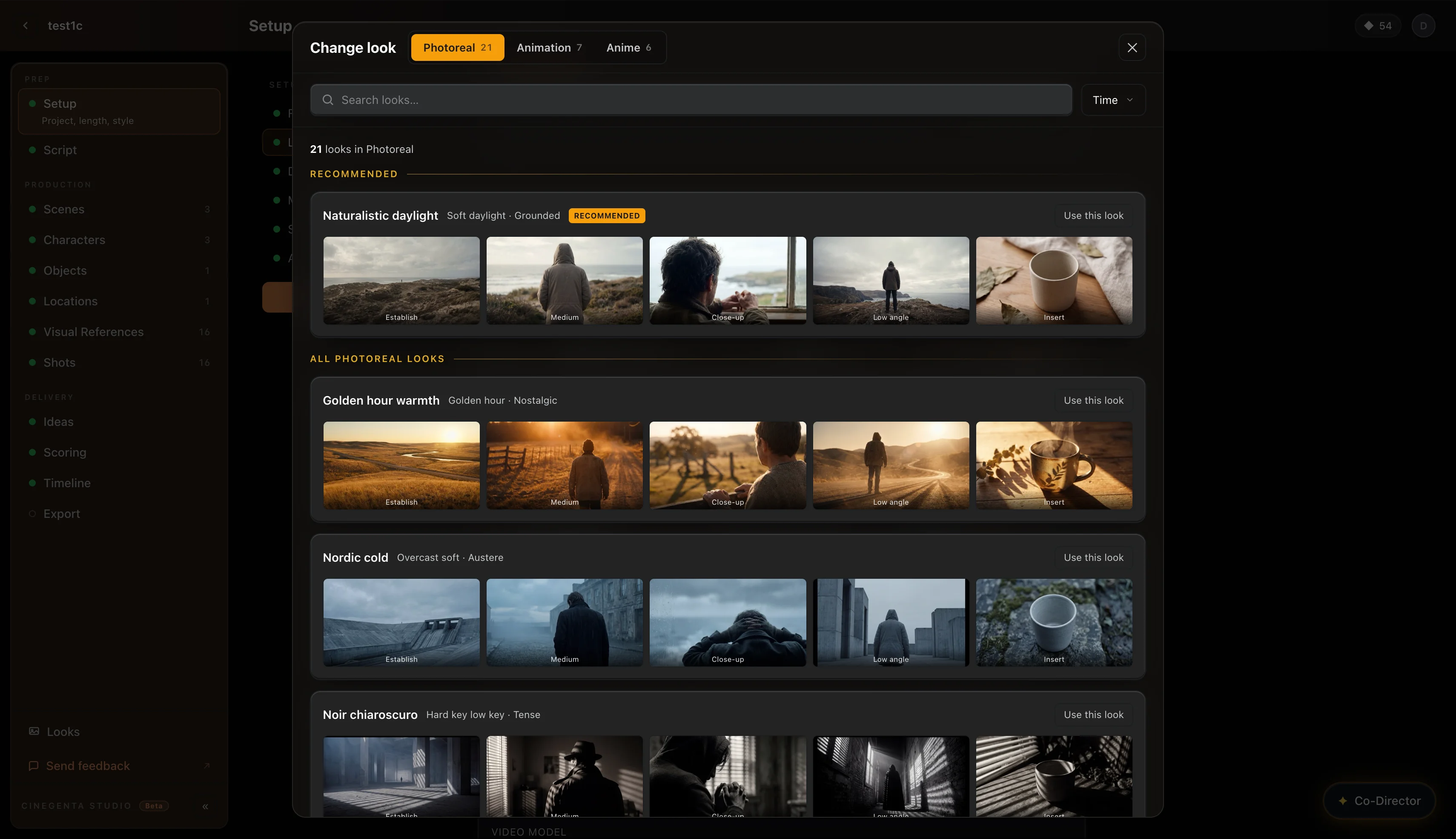
Shape every scene with precision.
Dial in camera angle, lens, lighting, color, and motion from one look dock, then re-shoot the frame on the model of your choice. The same controls, every shot.
- Angle, lens, lighting, color, and motion in one dock
- Re-shoot on Veo, Kling, Seedance, and more
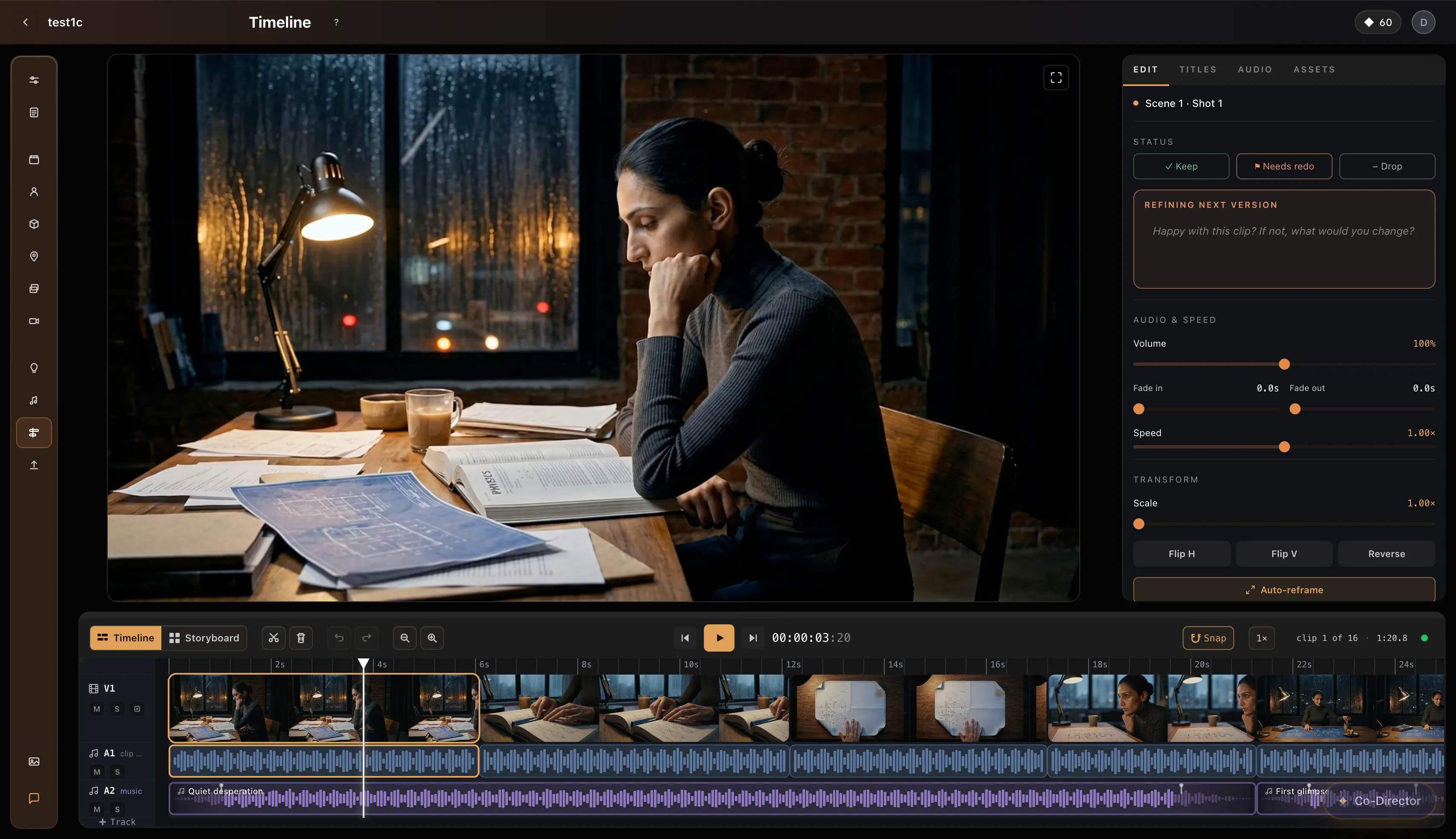
Edit it yourself — or just direct it.
Hand the cut to Co-Director and it sequences shots, sets pacing, drops in score, and adds titles across the whole film — one instruction at a time, or all at once. Drop into the timeline any time to trim, reorder, or override.
- Co-Director edits multi-step: pacing, sequencing, score, titles
- Full non-linear timeline — trim, reorder, fine-tune
- Native Mac app + web
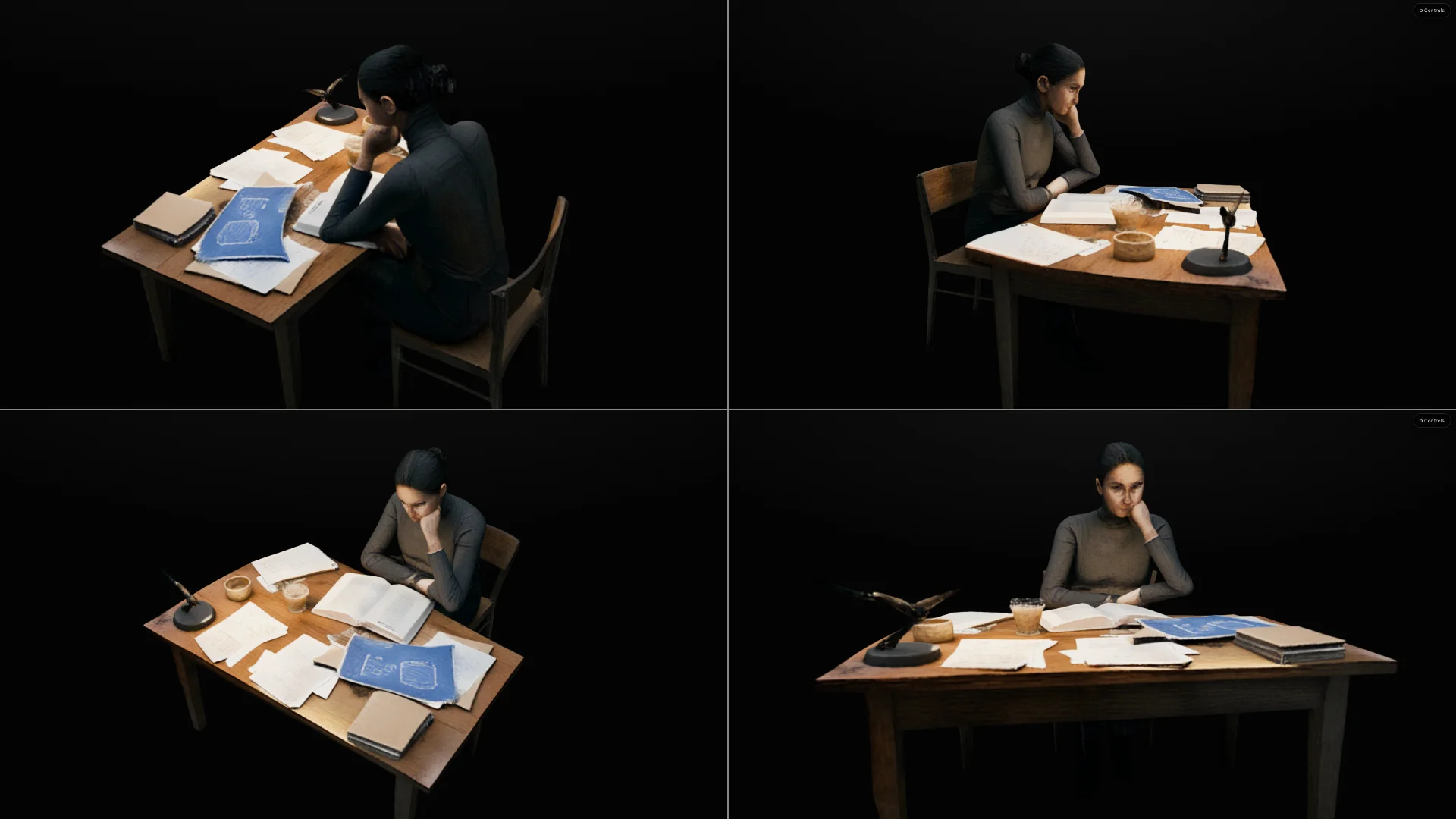
3D scene blocking. From any angle.
Rebuild a finished frame as a 3D set, then move the camera — orbit, crane, change the lens — and re-photograph it. Your cast and your look come along; only the angle changes. Pick a fast proxy reconstruction, or a true volumetric capture when you need the highest precision.
- Turn any still into an explorable 3D set
- Orbit, crane, and re-lens, then render the new angle
- Proxy reconstruction or volumetric (splat) precision
Ready to direct your first film?
Free to start. Pay only when you generate. Sign in with an idea or a script — Cinegenta drives the rest. Web or desktop, same studio.